
Your countertop connection
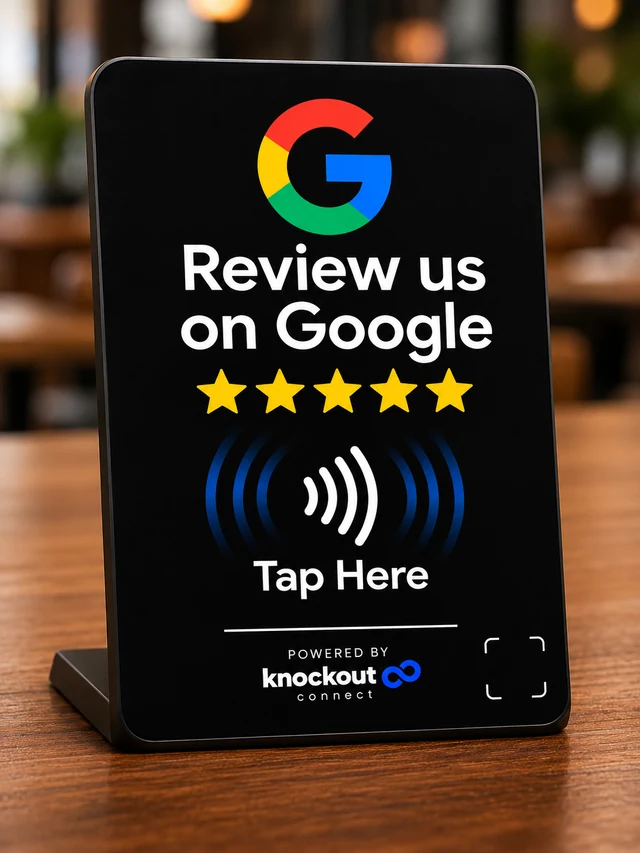
Receive a prepared stand with NFC and a printed QR leading through its permanent Knockout URL. Hardware and destination verification are required before shipping.
KNOCKOUT STANDS
Coming soon · Orders not openMake leaving an honest Google review easier. Customers tap or scan, Google opens, and you stay in control of the destination.
No payment or reservations. Inventory, pricing and fulfillment are awaiting approval.
PREPARED FOR YOUR BUSINESS
Receive a prepared stand with NFC and a printed QR leading through its permanent Knockout URL. Hardware and destination verification are required before shipping.
Securely claim your configured stand. Rename it, change its supported destination, or pause and resume it without reprogramming the chip.
Use configured QR and printable sharing materials, a copyable link and neutral message templates beyond the countertop.
See recorded opens in your account. Link opens are not completed reviews, and no rating or review volume is guaranteed.
The management software is implemented. Physical iPhone and Android NFC tests, printed QR checks, verified inventory, pricing and fulfillment remain launch requirements. Menu and booking stands are future ideas, not available products.
Visitors choose whether to leave an honest review. No surveys, incentives or selective review requests are required.
SMALL GESTURE. REAL POSSIBILITY.
Explore Essential or Professional and your engraving options. Ordering opens after inventory and fulfillment are approved.
When your card arrives, sign in and verify its private activation code. Choose an existing profile or create one.
Tap a compatible phone to open your published profile. Share its QR code or link when NFC is unavailable.
Give Knockout your official Google review link. Your intended business destination and physical stand need verification.
Your prepared stand can open its destination before you claim it. Use the private claim credential to manage it securely.
Visitors tap or scan to open Google and choose whether to review. Recorded opens are not completed reviews.
An illustrated journey, not an NFC test. Reading depends on your phone, settings, case and tap placement.
MAKE YOUR NEXT INTRODUCTION COUNT
Your free profile is ready when you are.